
Say goodbye to chaos
when designing smart homes.
Welcome

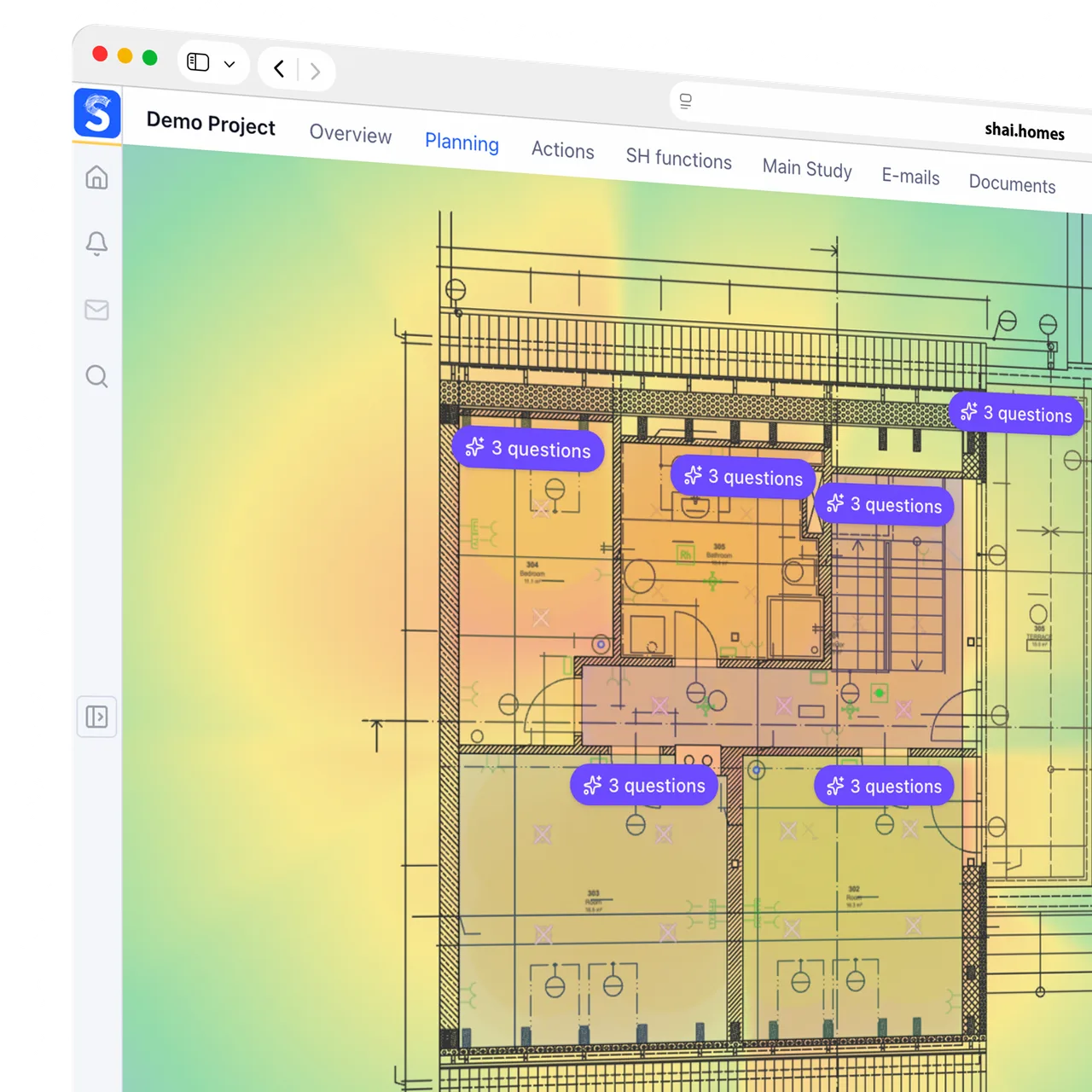
From floor plan to a smart home plan.In hours, not weeks.
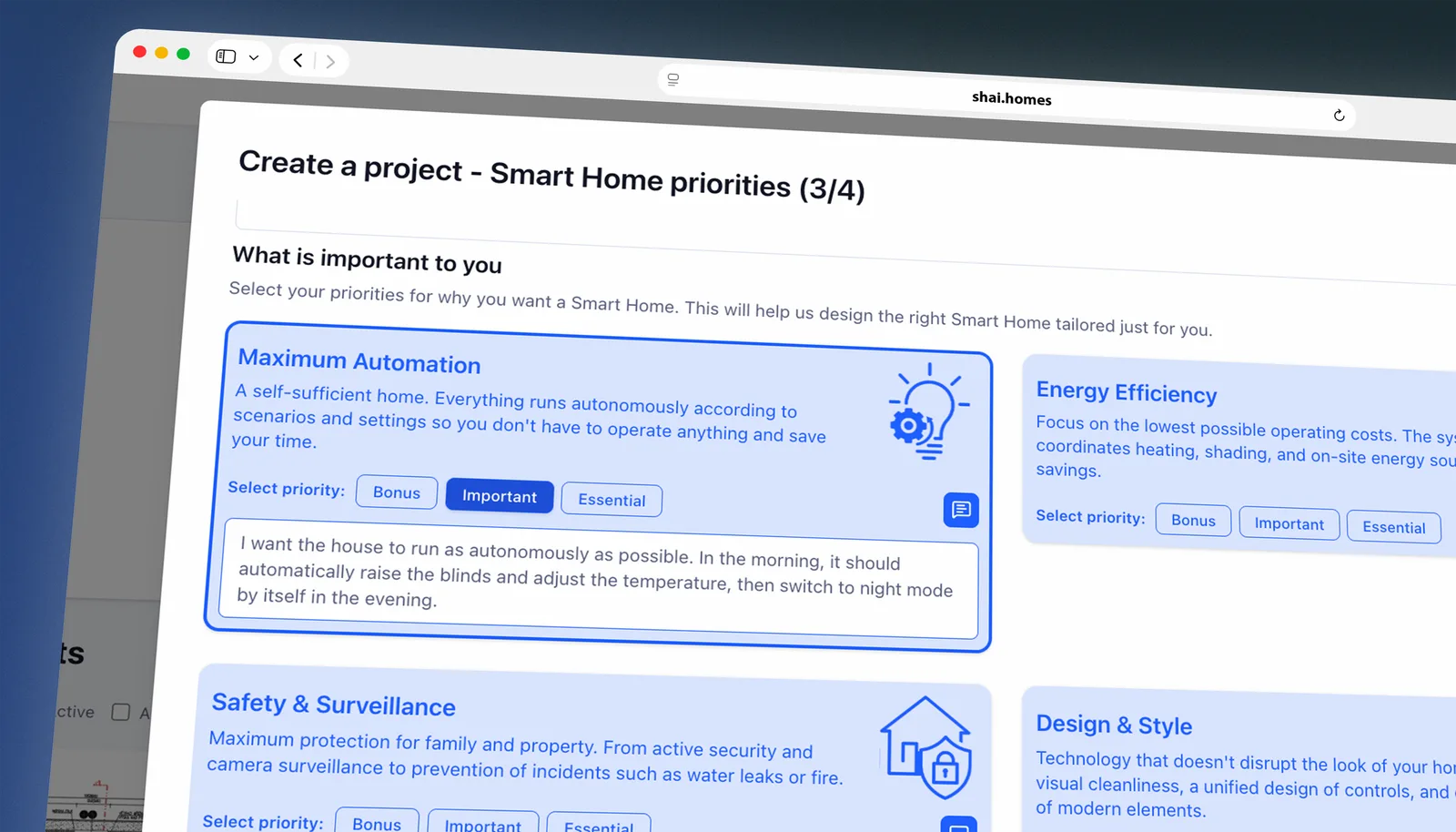
Get everything you need from the client right from the start.
Send your client a link to a guide that walks them step by step through their situation, plans, priorities, expectations and smart home options. You get a complete, structured set of requirements ready for planning, without lengthy follow-ups or piecing information together from emails and notes.
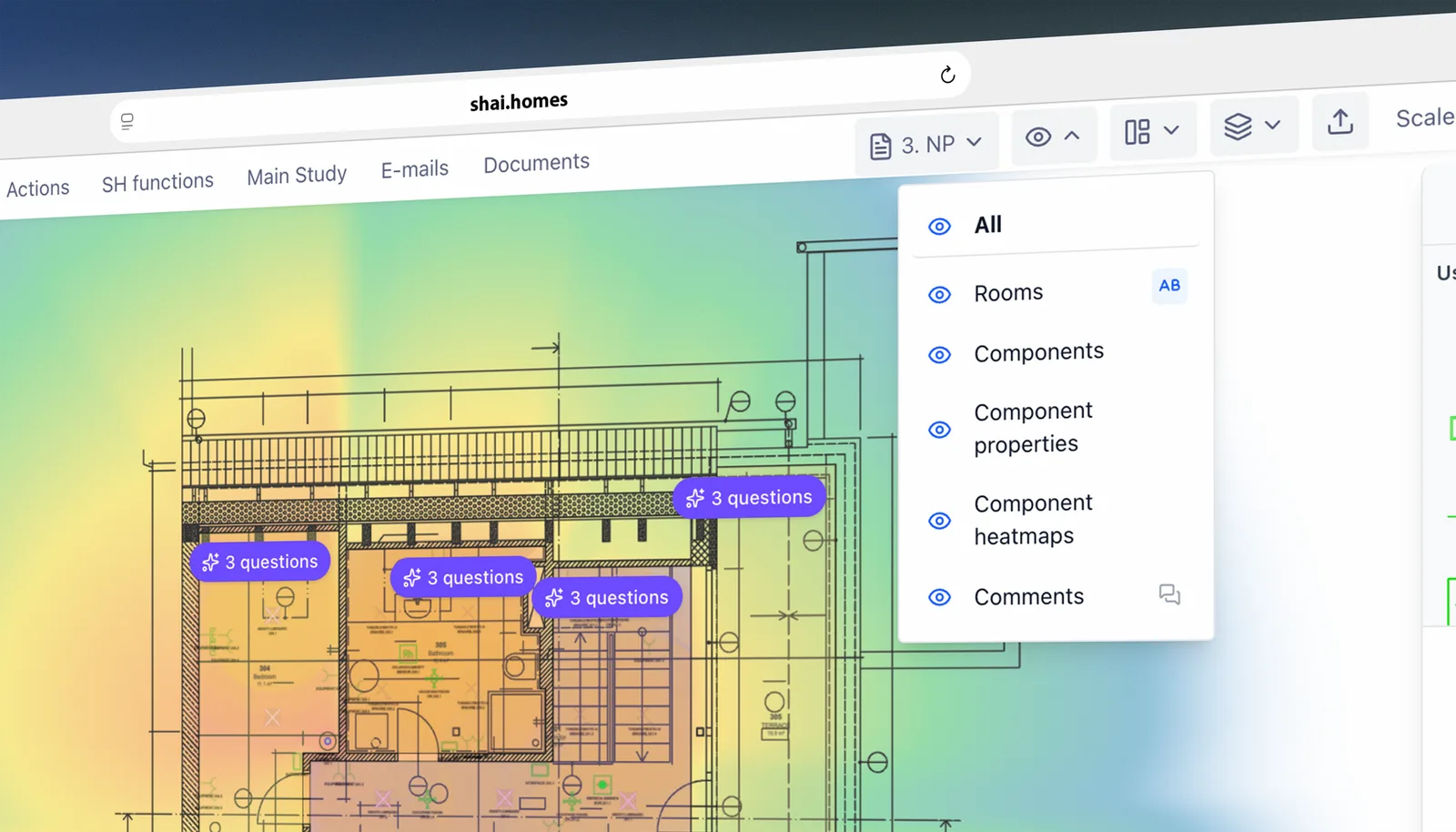
From PDF or DWG straight to the project plan. No manual redrawing.
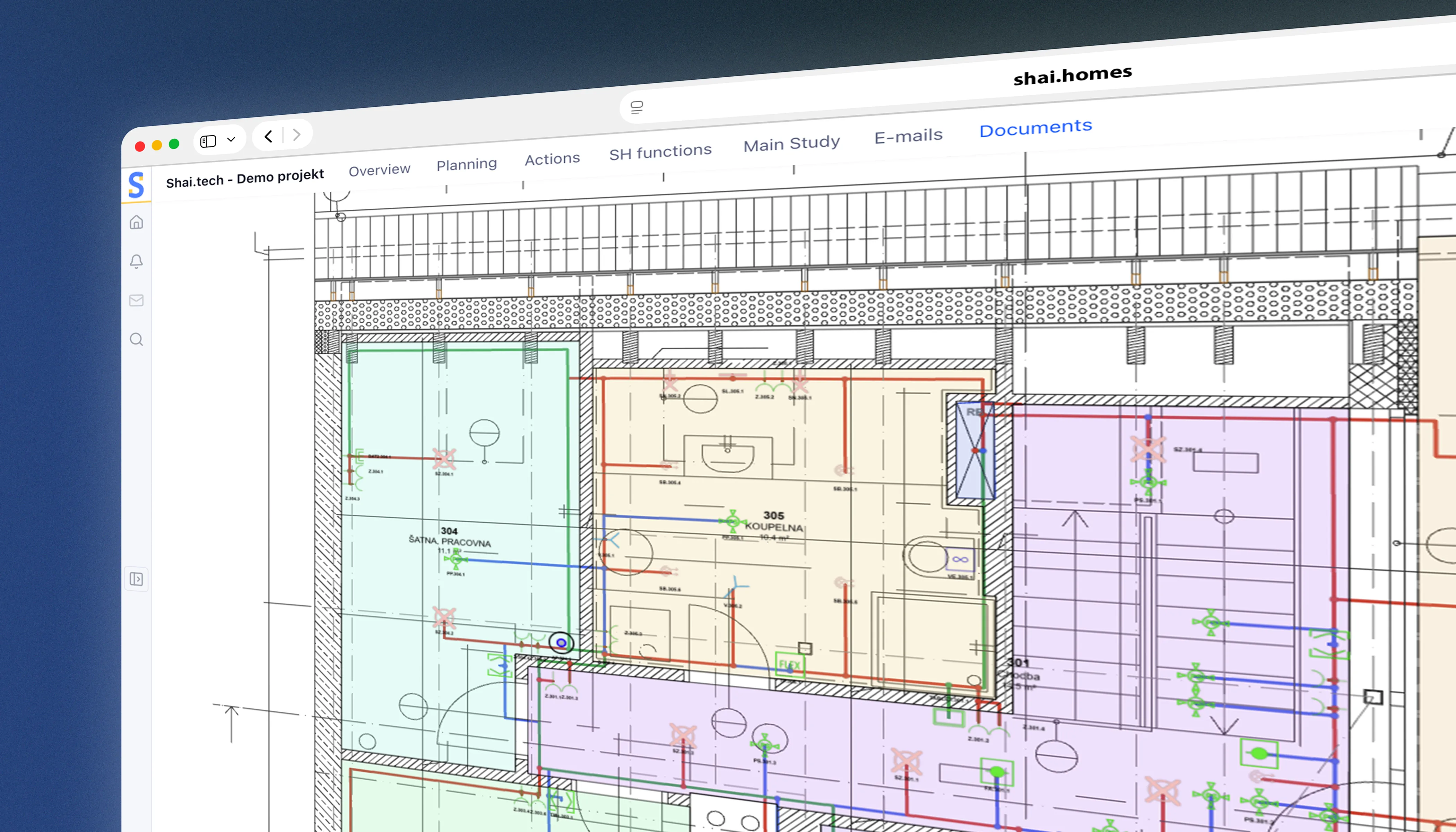
Upload a drawing and Studio makes sense of it automatically. It identifies floors, rooms, layers and areas, and extracts the information needed for planning. It turns the drawing into an editable format where you can switch layers, adjust rooms and start placing components right away.
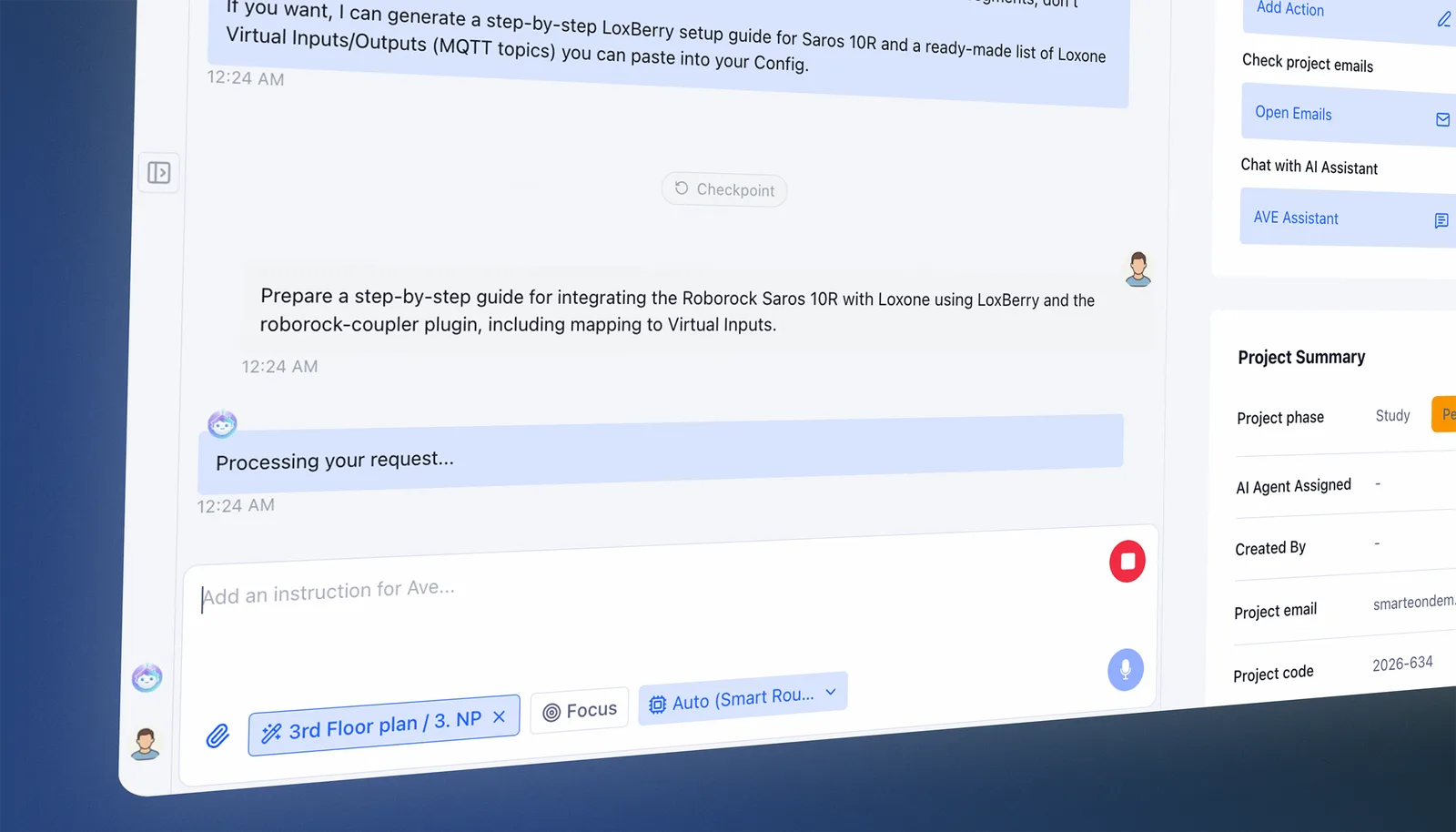
Design with AI that understands the entire project.
Ave is with you throughout the entire process. It understands the floor plan and the full project context, works with your documentation and our knowledge base, and can look up information online. It recommends suitable technologies and functions and can place them precisely in the floor plan. You stay in control of every step and can adjust the plan at any time.
From placed devices to cabling. Without manual drawing or calculations.
Place your devices and define the area containing the distribution board or rack. Studio automatically designs circuits, routes cables along walls or through spaces such as ceiling voids, and calculates the required cable lengths, including allowances. You can define wall and floor penetrations, main cable routes and no-go zones. You get a cabling plan, cable schedule and wiring diagram to support installation and quoting. Adjust the design yourself or through Ave. Everything recalculates automatically after each change.
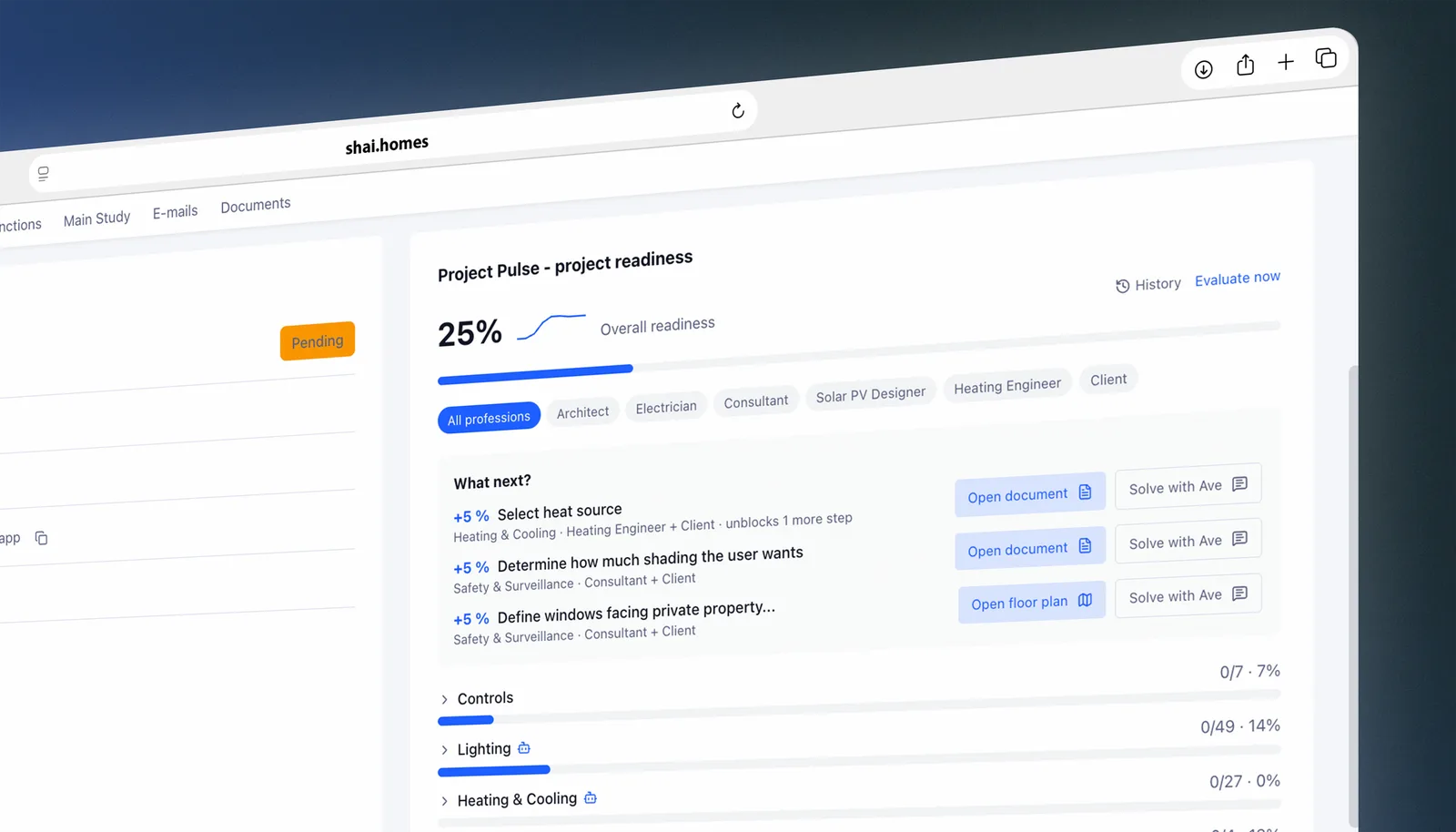
Project Pulse: always know what to do next.
Project Pulse continuously monitors the entire project, tracks completed tasks, identifies gaps and suggests next steps. This way, you always know what matters most and what still needs to be completed to move the project forward.
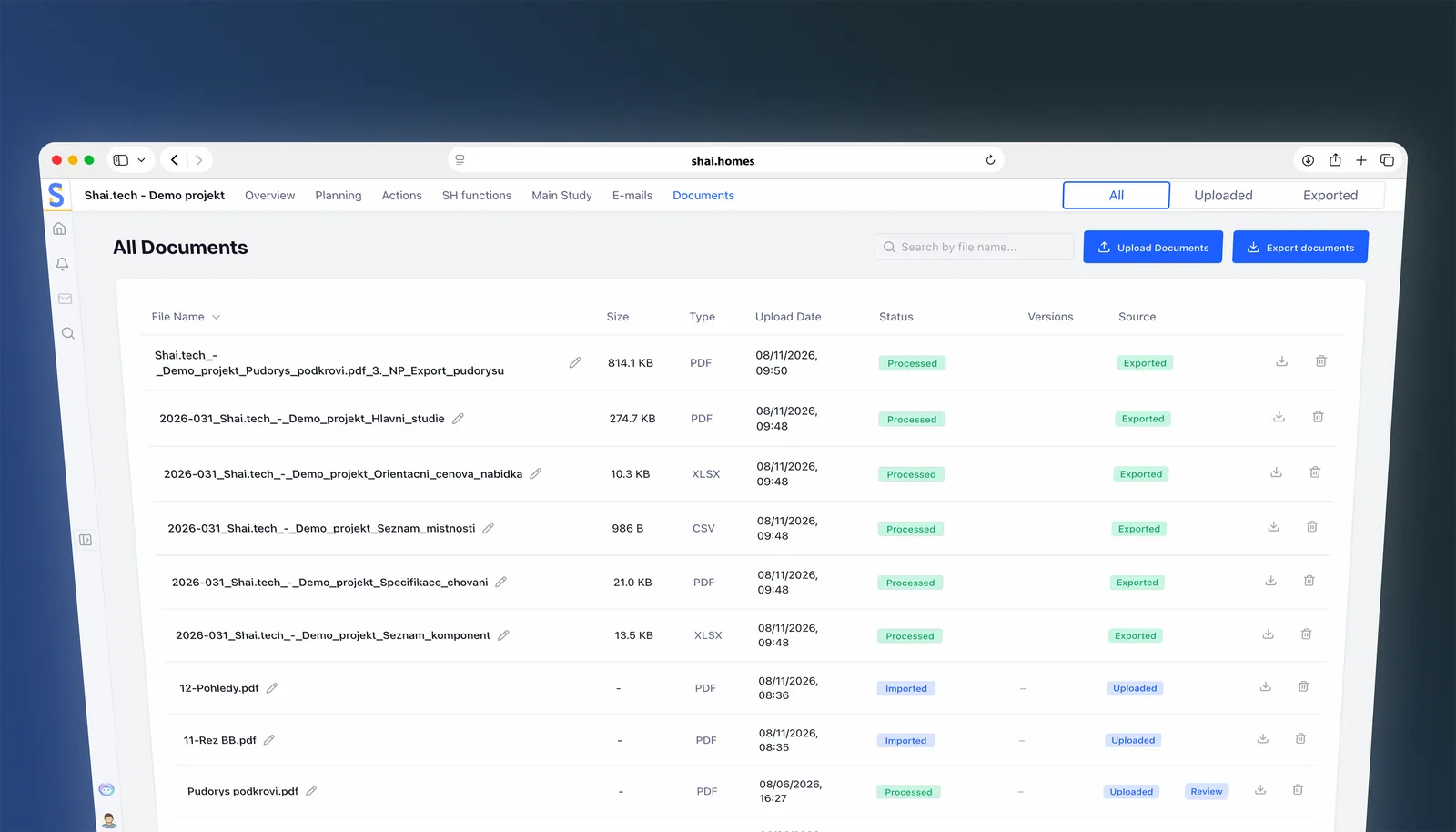
Client, designer and contractor. Always on the latest documents.
From the client brief and the floor plan, Studio produces a complete smart home design, including documents for designers and contractors. Floor plans, component lists, the description of home behavior, the study and a preliminary quote are all generated from the current project data. When the design changes, one click prepares a new up-to-date version.
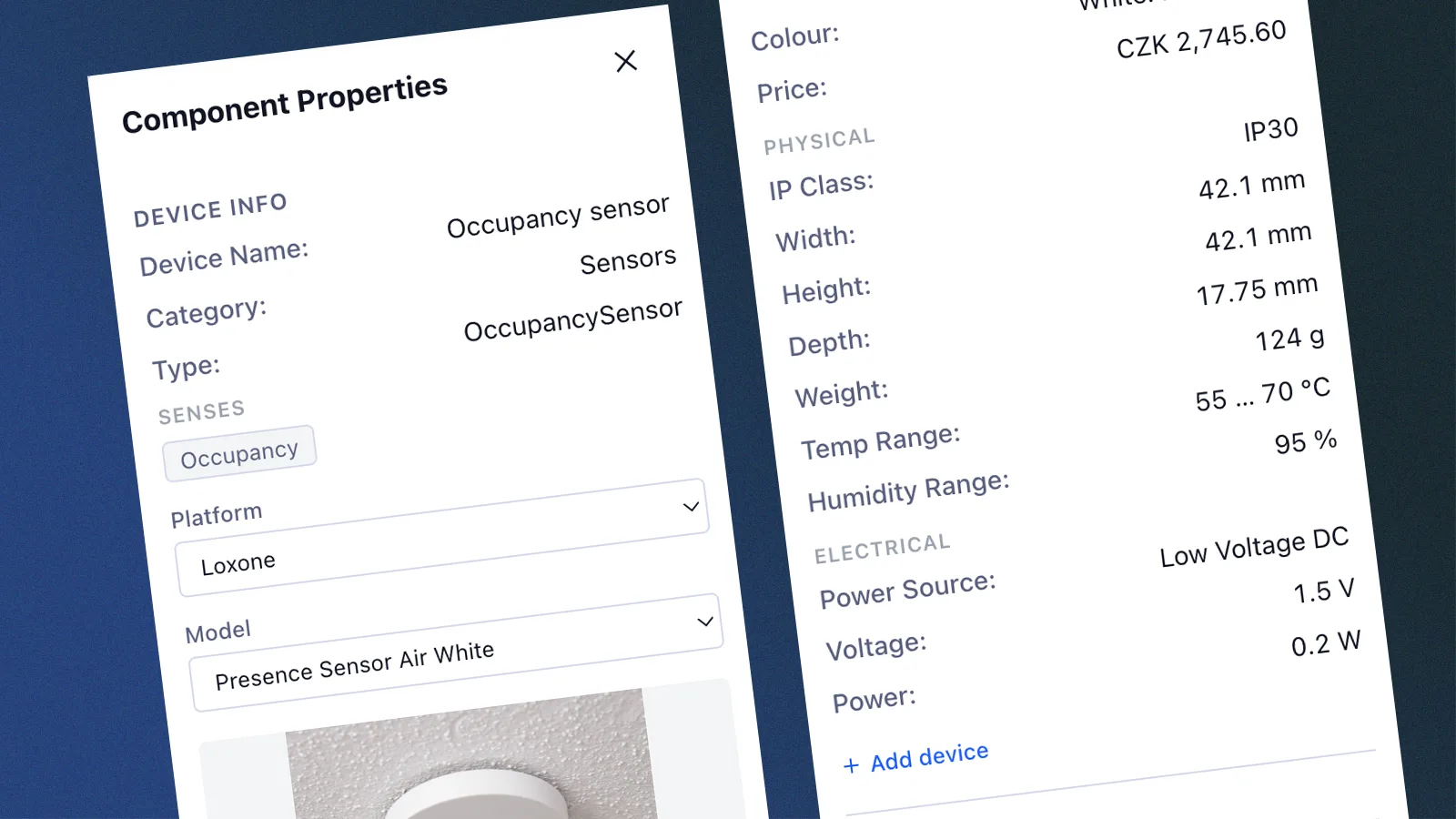
Catalog of 1,000+ Verified Smart Home Components
Studio comes with a ready-to-use, validated catalog of components, including technical specs and datasheets. Use them directly in your plan, or add your own devices.
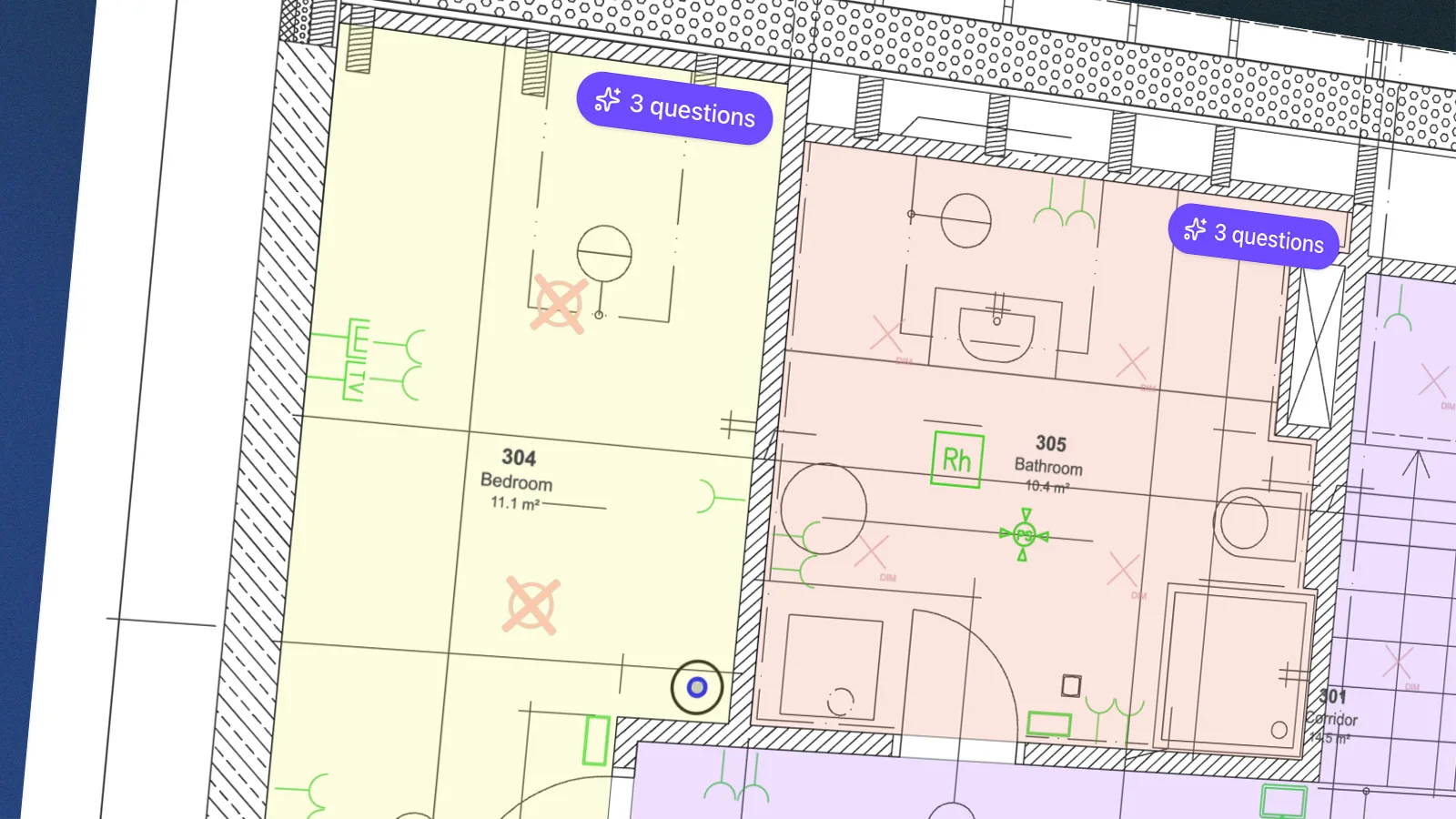
Place components exactly where they belong. No CAD required.
Work directly with components in the floor plan using the smart Canvas. Drag and drop, automatic snapping, alignment, rotation and copying help you create an accurate plan faster, without switching to CAD.
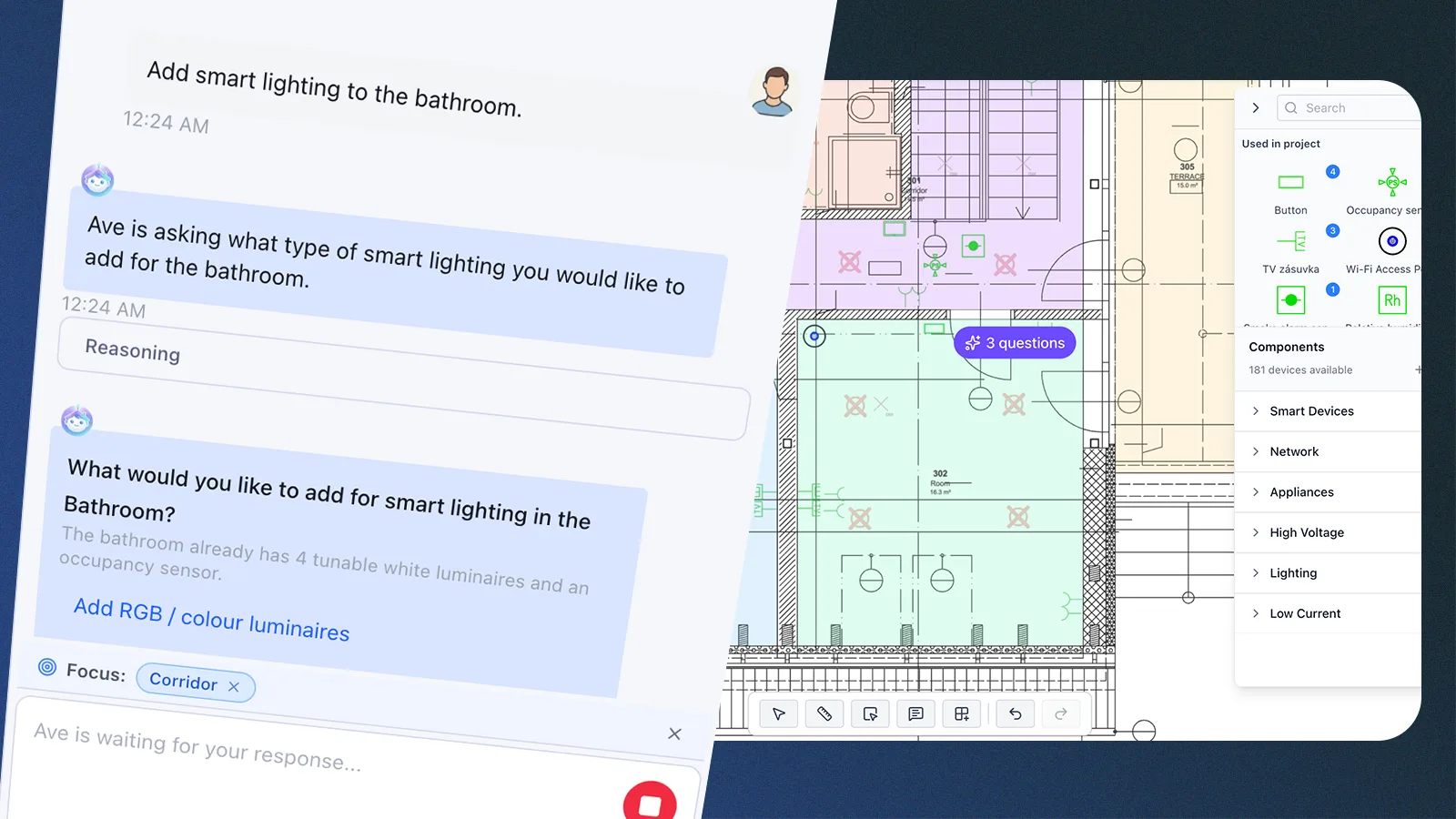
Ave speeds up planning with smart component placement.
Ave understands the floor plan, rooms and client requirements and creates an initial component layout based on the project context. You can then move straight to reviewing, adjusting and refining the plan.
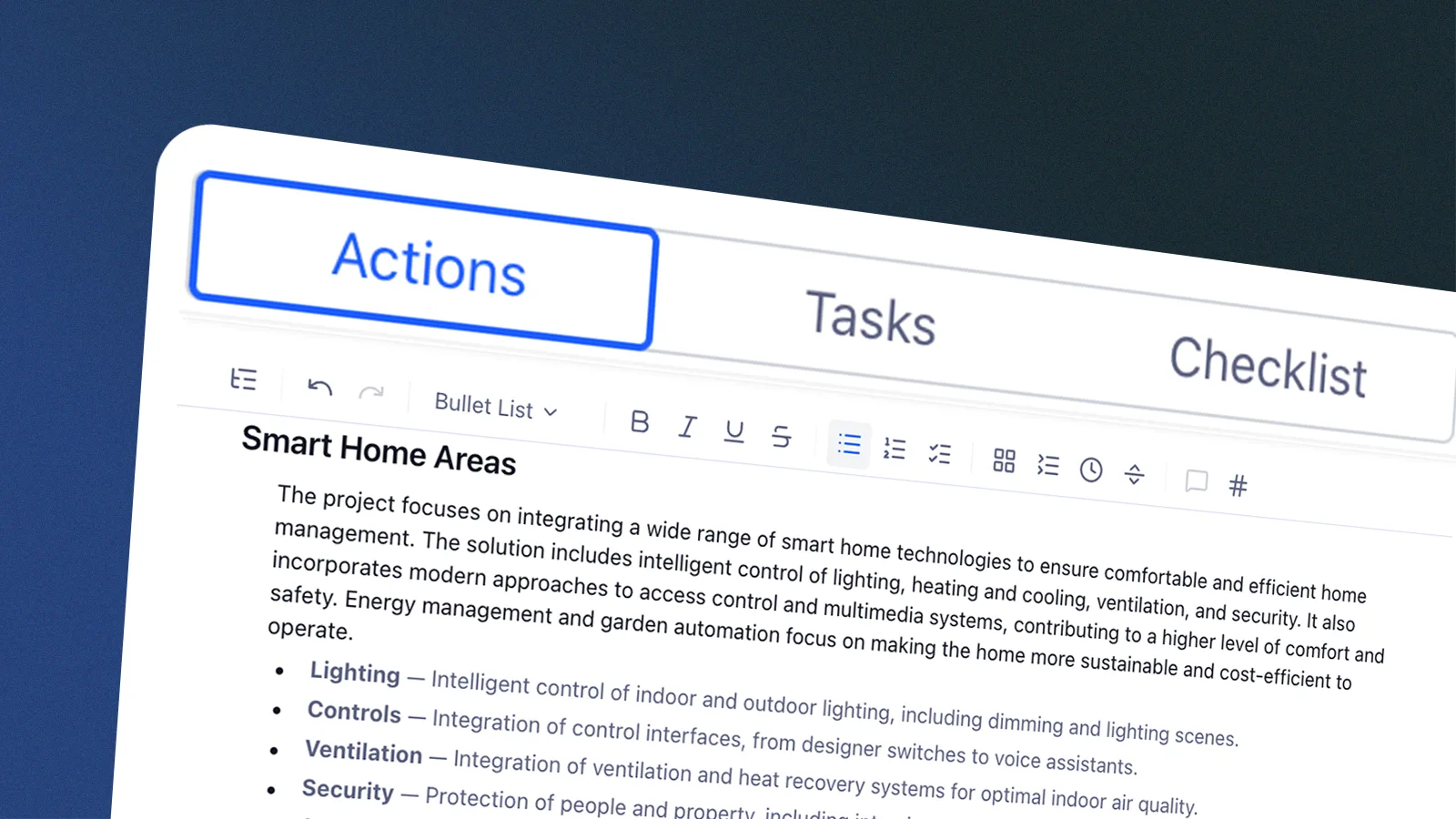
Reuse proven solutions across projects and get started faster.
Duplicate the entire project or carry completed parts of the plan, settings and components into new projects. For standardized homes and apartment units, build on what you've already solved instead of repeating the same work.
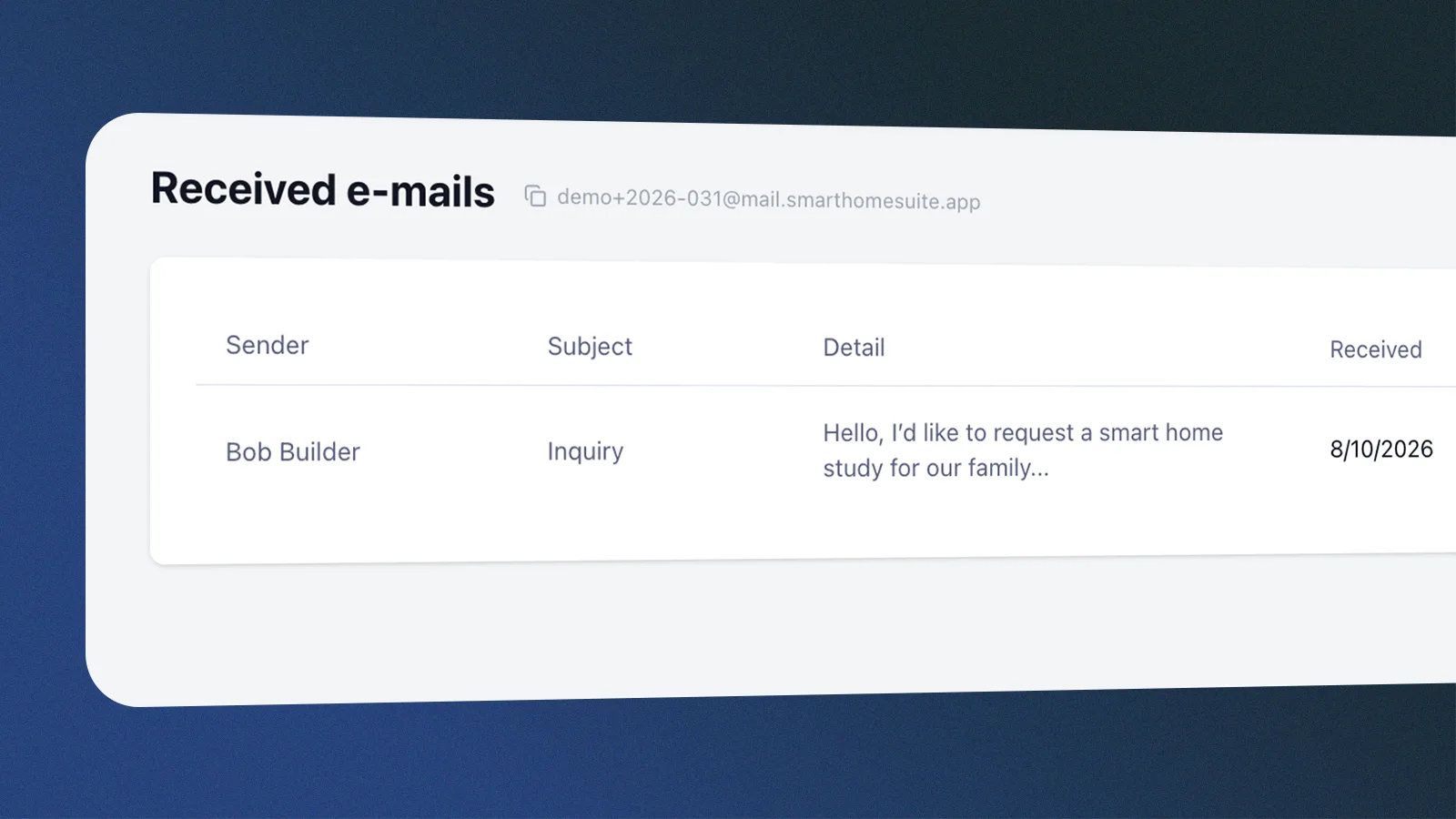
From inbox straight into the project.
Each project has a unique email address. Simply send communication to it and Studio automatically links it to the right project. Messages and attachments become part of the project context, which Studio can work with, extract important information from and respond to.
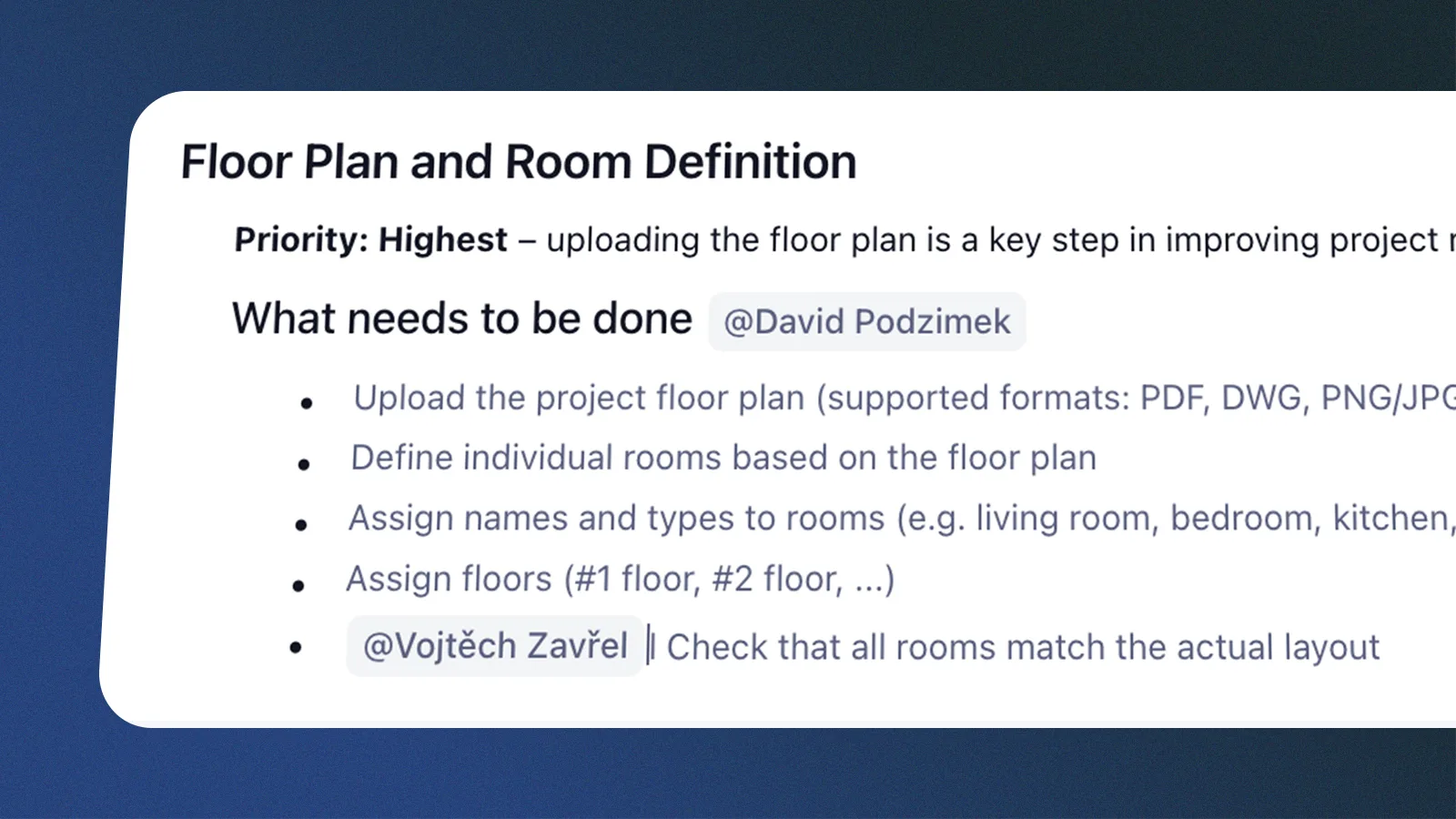
Work together. Always on the latest version.
The whole team can work on one project at the same time. Everyone has access to the same data, comments and tasks, and changes sync in real time. No merging copies, forwarding versions or figuring out which file is current.
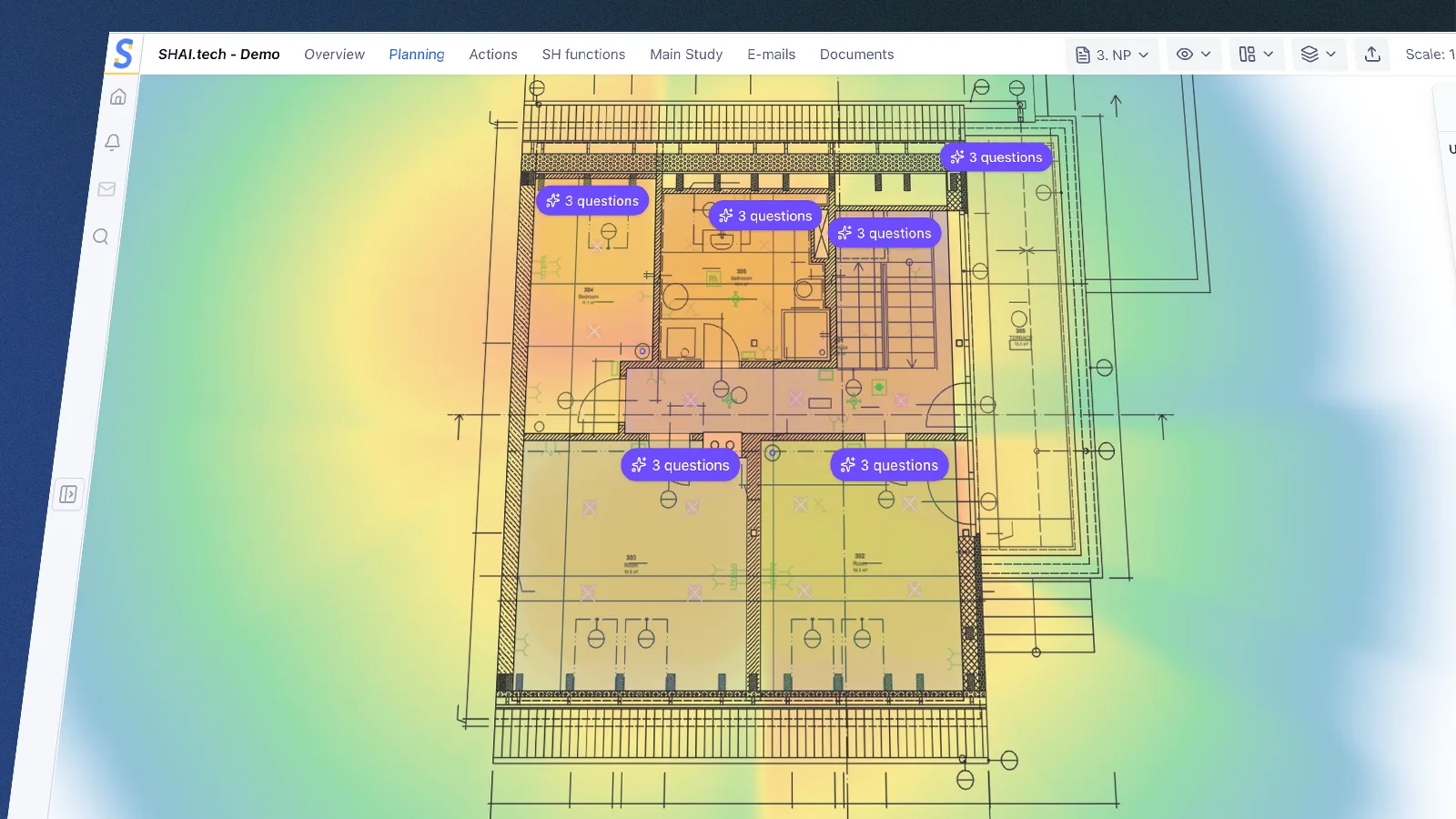
Show the coverage heatmap. Let the data speak for itself.
Get a clear visualization of coverage for client consultations. The heatmap in the floor plan shows sensor range or lighting intensity and updates instantly as components are moved.
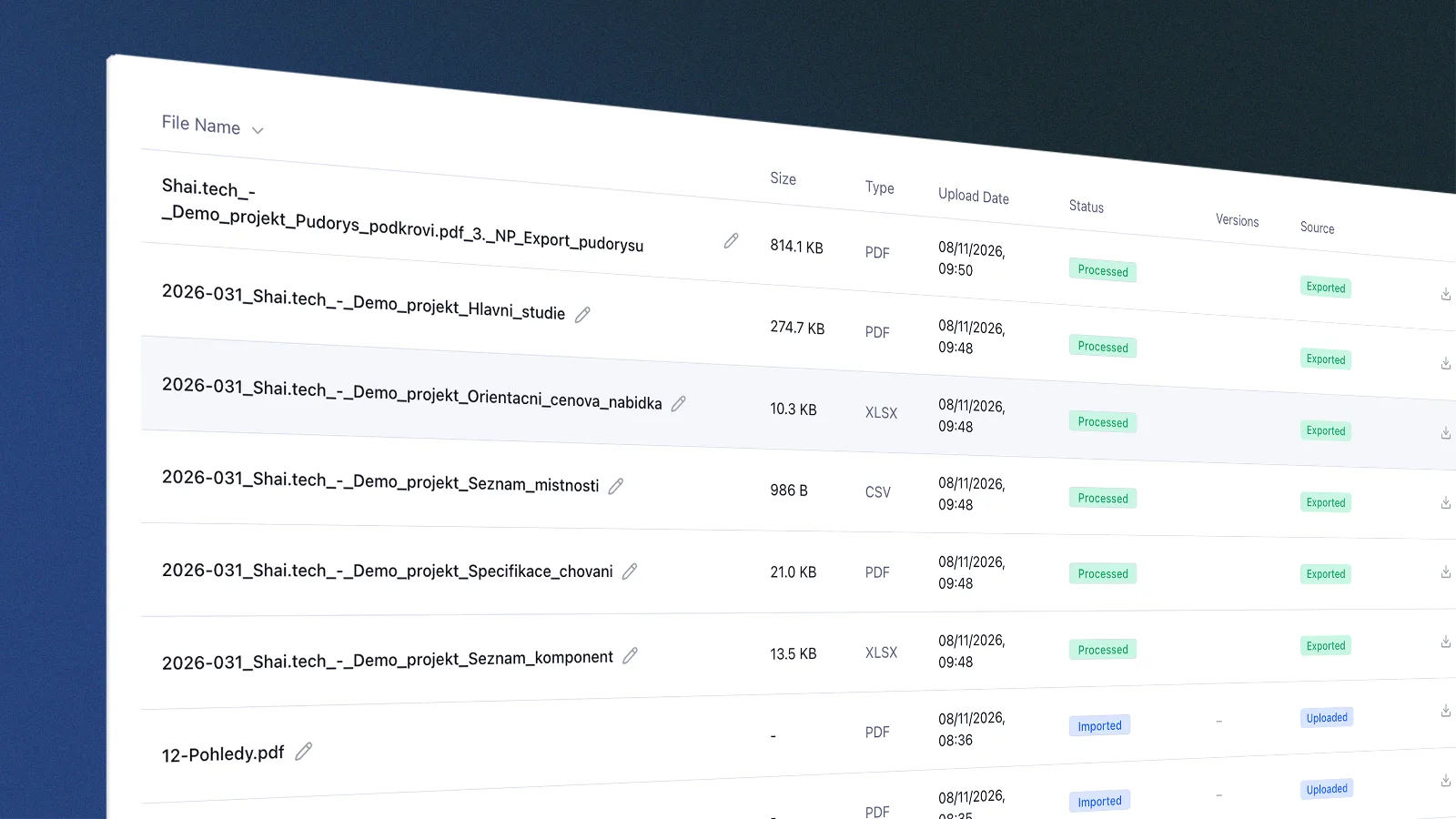
Build a knowledge base for every project as you go.
Floor plans, documents, notes, tasks and communication gradually come together into a single project context. Studio and Ave understand how everything connects and can use this information throughout planning, review and the next steps.
Studio right inside AutoCAD.
Keep working in AutoCAD while using Studio's design features, with no switching between tools.
Proven functions always at hand.
Pick from a ready-made catalog of functions and behavior scenarios and carry them over to other projects with ease.
Say it. Studio writes it down.
Dictate notes from a meeting or the site and let Studio turn them straight into the project.
Tailor Studio to your company.
Add your own devices, function sets and behavior templates, or your company logo.
Prepare professional project documentation. In one click.
Studio generates outputs directly from the latest project data. No need to rebuild them in Word, Excel or CAD. When the plan changes, simply generate a new version.
Floor Plan with Component Placement
Component placement, rooms, layers, labels and a legend, ready for the client and further use.
Component List
Overview of all components used, including quantities, locations, categories, cabling and notes.
Room and Area Overview
List of floors and rooms, including their numbers, names and areas.
Room-by-Room Home Behavior Description
Overview of functions, automations and desired smart home behavior in each room.
Project Plan Summary
Client requirements, priorities, proposed functions, solution scope and open items in one document.
Scope and Preliminary Price
Summary of the proposed solution with preliminary pricing for components and labor.
Component Book
Overview of proposed devices with visuals, dimensions and technical specifications.
Requirements for Other Trades
Coordination documentation for HVAC, heating, water, gas and fire safety systems.
Quote
Detailed quote generated directly from the current project scope.
Cable Schedule
Overview of cabling, including types, lengths and routes.
Wiring Diagrams
Detailed switchboard and module diagrams as documentation for electrical installation and programming.
We're gradually connecting the entire smart home lifecycle.
Today, we simplify smart home planning. Next, we'll add care for completed installations. Later, the same project data will automatically generate project documentation and programming.
Studio
From client requirements to a smart home plan and ready-to-use outputs.
Care
Diagnostics, service and management for completed smart homes.
Learn more about Care →Project Documentation
Project documentation for implementation, built directly on the plan.
Program
Code for Loxone, KNX and Home Assistant generated from the same project data.
15 years of real-world smart home experience.
We're building Studio on experience from designing, implementing and managing hundreds of installations.
Be among the first to try Studio
We're inviting only a few companies that design smart homes in real-world practice to the closed beta. You can try Studio for free on your own project, with personal onboarding and a chance to shape its further development. You'll get access within two weeks, not to a prepared demo, but to a real project for your client.